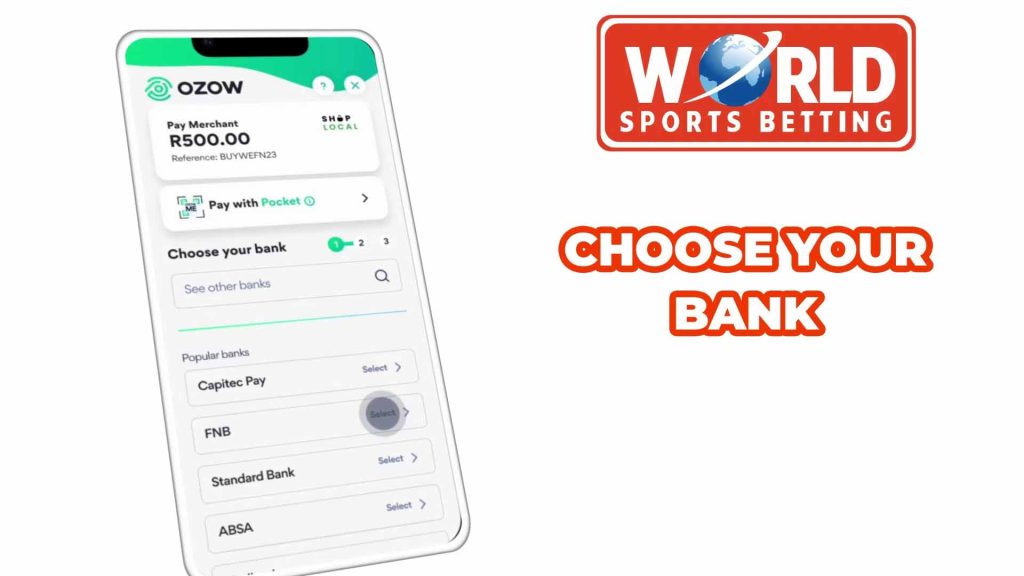
Select your bank from the list.
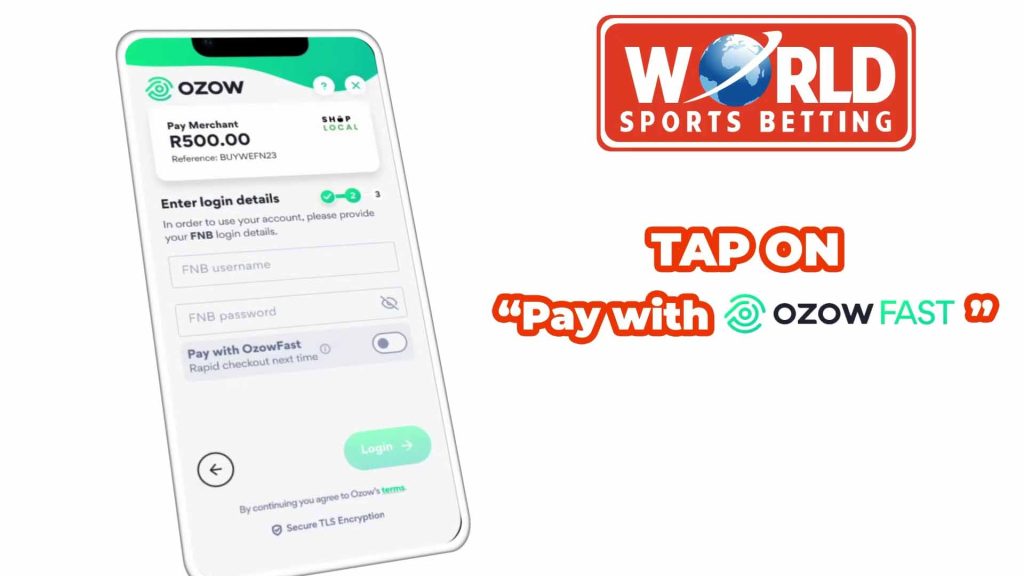
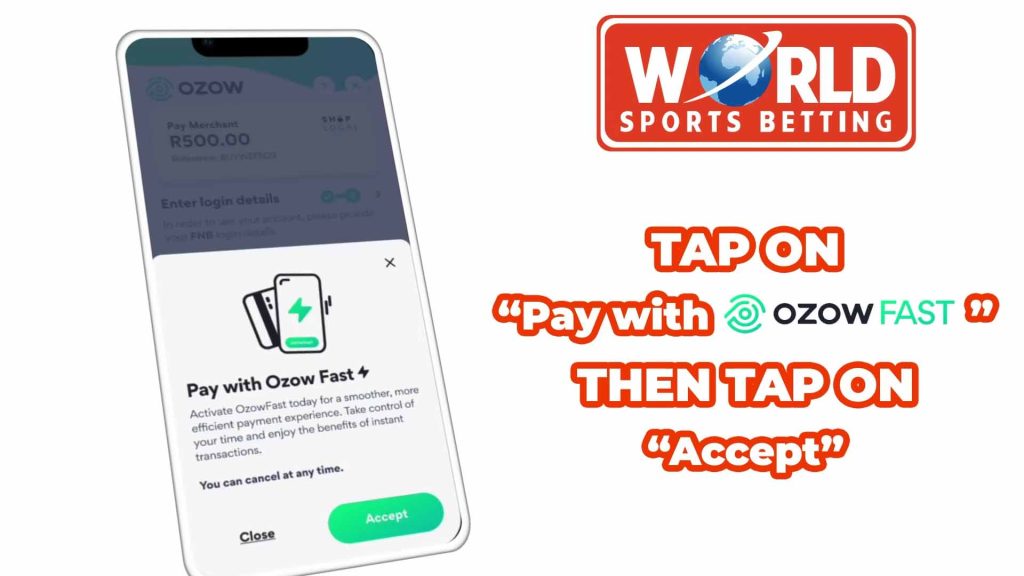
Tap on “Pay with OzowFast” to toggle the switch to on.
Then tap “Accept”
Enter your banking Username and Password
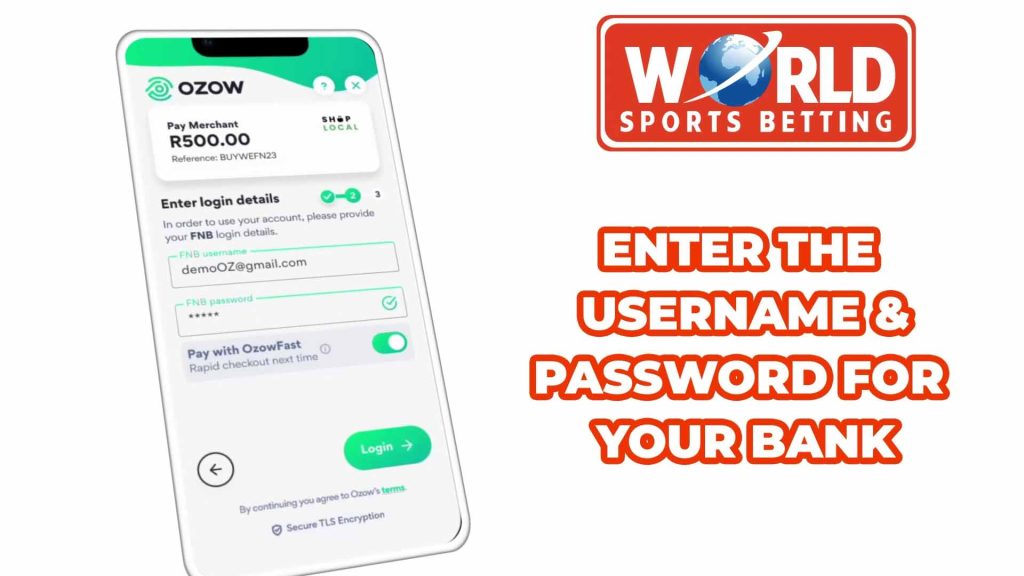
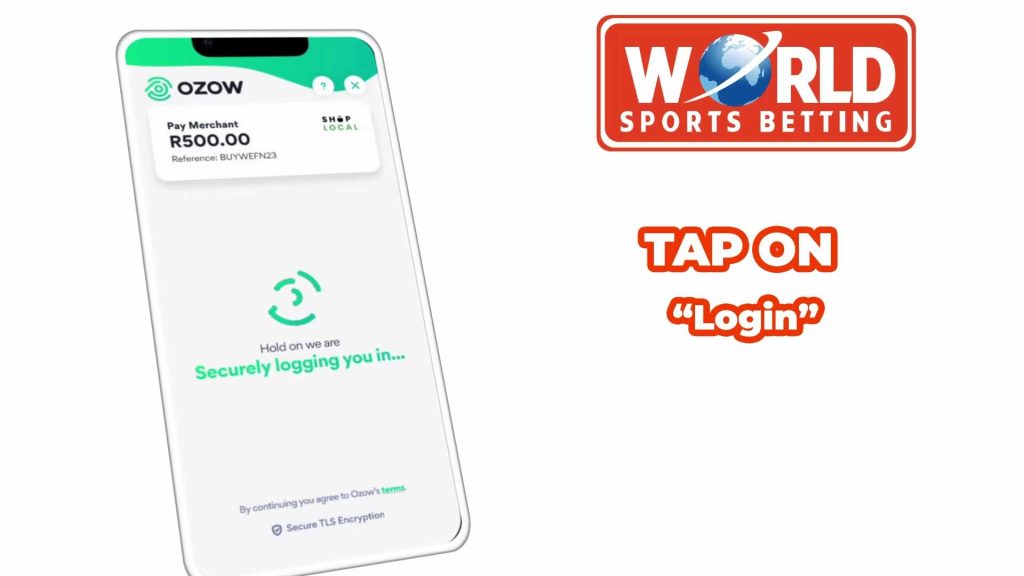
Tap on Login
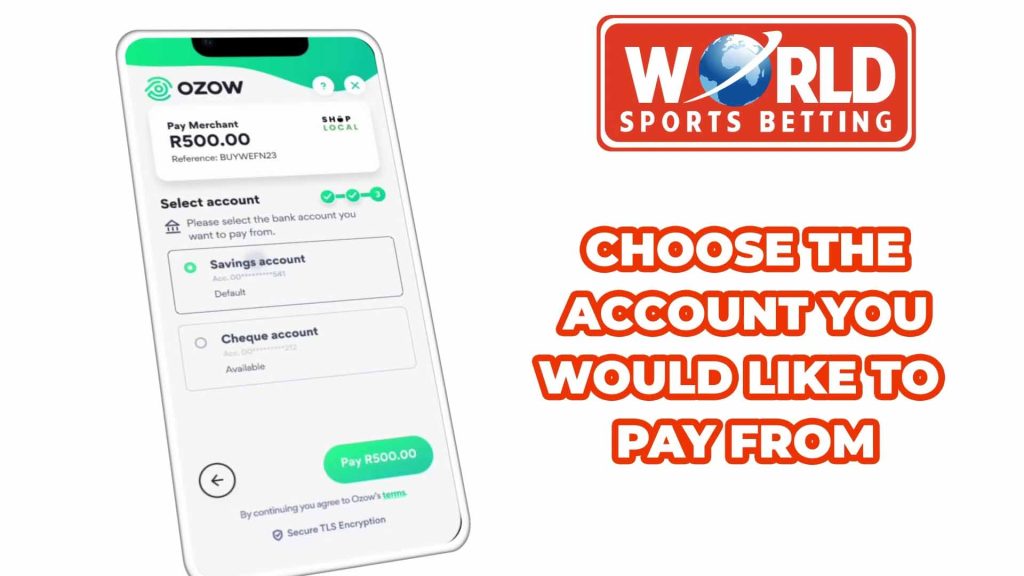
If you have more than one account, choose the account you would like to use for deposits.
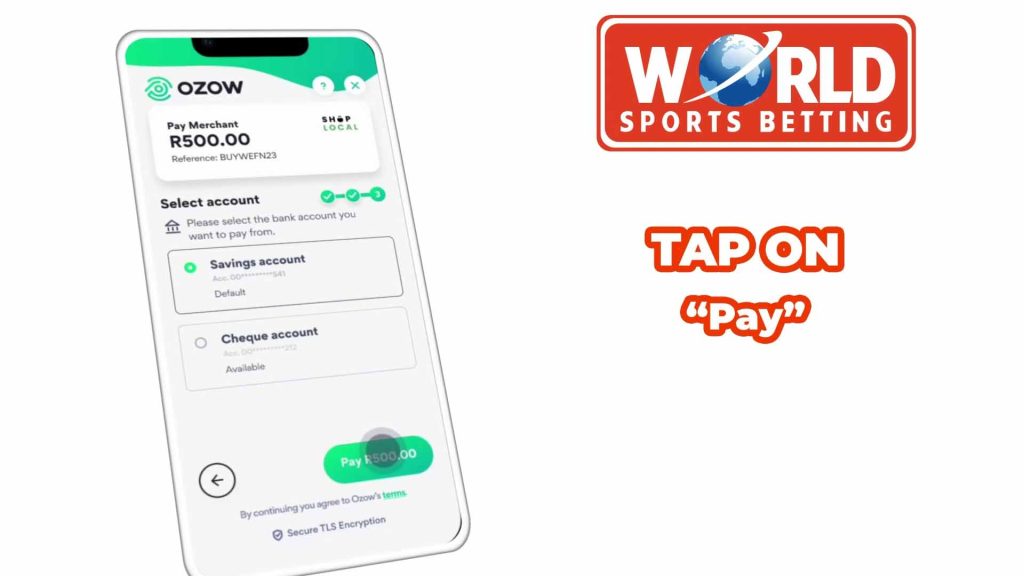
Tap on “Pay”
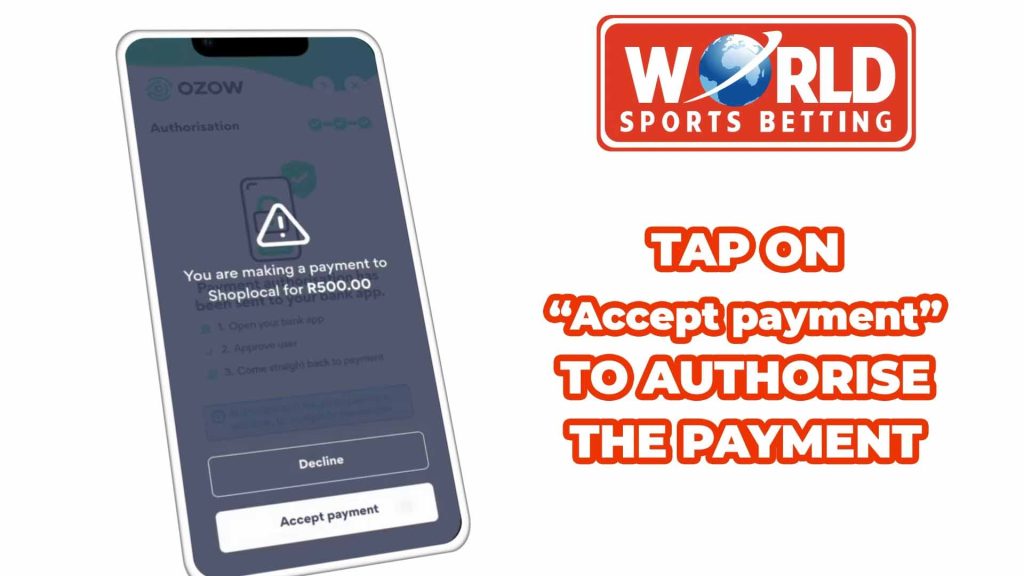
Tap on “Accept Payment” to authorise the payment
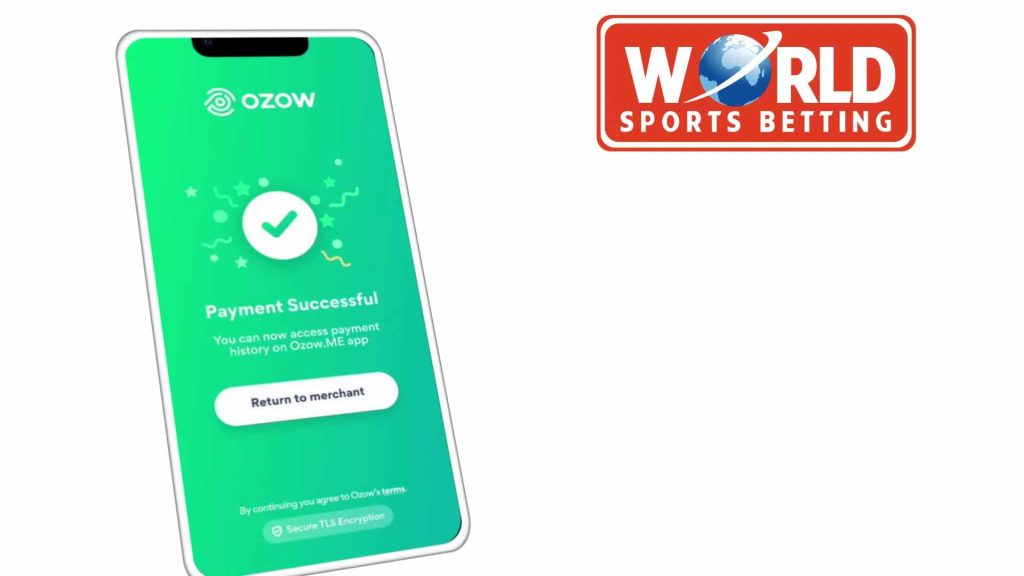
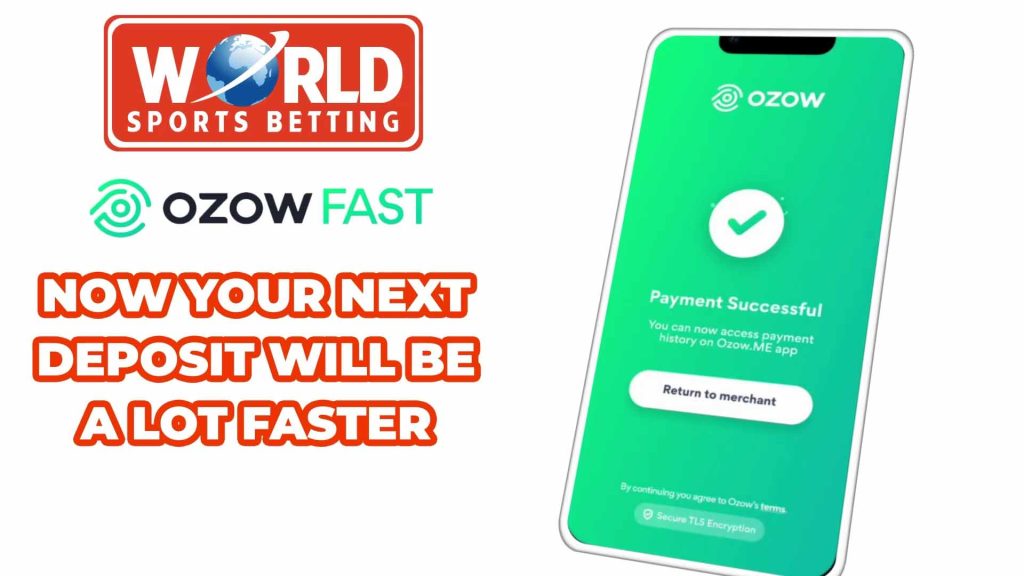
On your next deposit, you will now be able to use OzowFast to quickly and easily make a deposit into your account.